


Screen time apps solve different problems. Some interrupt the reflex to open TikTok. Others protect a study block, make friends part of the goal, or move the unblock control onto a physical device.
This comparison sorts six options by what they ask you to do when a distracting app opens. That matters more than the length of the feature list, because the interruption is the part you will meet every day.
Aura exchanges habits for screen time
Aura keeps selected apps closed until a completed habit earns coins. Reading, study, chores, exercise, steps, walks, and focus sessions can all contribute to the same balance; one coin buys one minute.
Choose Aura if you want social media to remain available after you do something useful. It requires more setup than a simple delay, and it is currently limited to iPhone.
one sec interrupts the first tap
one sec places an intervention between tapping an app and entering it. Its current options include breathing exercises, reflection prompts, app blocks, schedules, and browser support.
This approach fits reflexive app opening because it changes the moment of entry. It does not require you to maintain a bank of earned minutes, which may be preferable if rewards feel like extra bookkeeping.
ScreenZen offers detailed controls without a subscription
ScreenZen combines opening delays, daily unlock limits, schedules, app and website blocking, and usage tracking. Its website describes the app as donation-supported rather than subscription-based.
The number of settings is useful when you already know the rule you want. Someone looking for a single guided system may find that flexibility takes longer to configure.
Opal organizes focus around sessions
Opal is built around timed focus sessions, recurring schedules, blocking modes, and usage reports. It is suited to study or work periods that can be planned before the distraction starts.
A scheduled session protects a block of time. It does not make a completed walk, workout, or reading habit the price of getting back into an app.
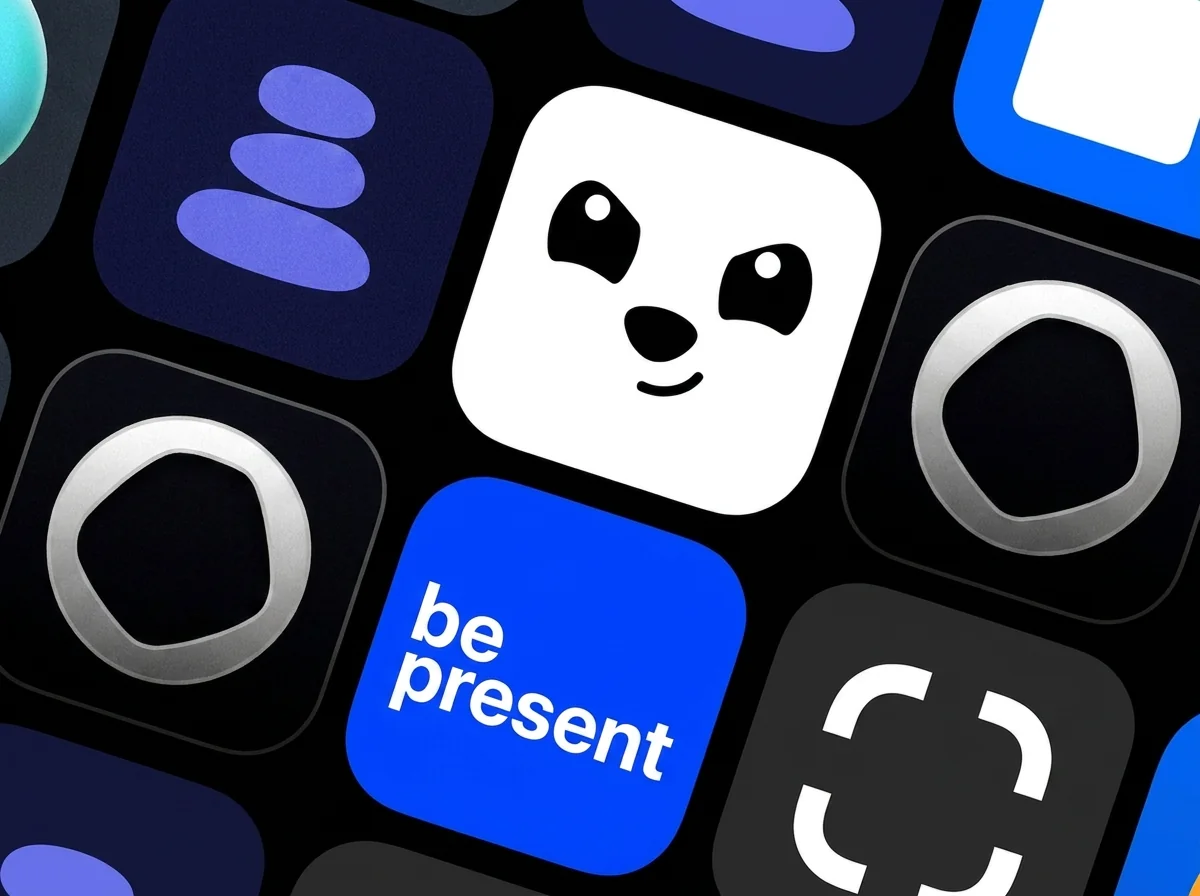
BePresent adds other people to the goal
BePresent uses blocking, goals, challenges, and social accountability to reduce screen time. The shared element can help when a private limit is easy to dismiss.
That community layer is part of the product rather than an optional detail. If you prefer to manage your phone use alone, a quieter blocker may fit better.
Brick moves the override off the phone
Brick pairs its app with a separate NFC device. Tapping the device starts or ends a blocking session, so changing your mind may require walking back to wherever you left it.
The physical step closes a common loophole in software-only blockers. It also means buying hardware and keeping the device somewhere that supports the routine you want.
Choose the interruption you will tolerate
Use one sec or ScreenZen when the problem begins with an automatic tap. Use Opal when distraction is concentrated in planned work or study periods. BePresent makes sense when accountability helps. Brick is the clearest option when every control on the phone becomes an override.
Aura serves a different goal: keeping the scroll available, but making healthy habits pay for it first. Start with the behavior you want to change, then choose the mechanism that addresses it.
- Check whether the app works across every device where you scroll.
- Decide whether you want a pause, a schedule, accountability, hardware, or earned access.
- Confirm the subscription or hardware cost before committing.
- Test the rule on one distracting app before blocking everything.
Keep reading
Sources and further reading
More from Aura: browse all screen time guides.