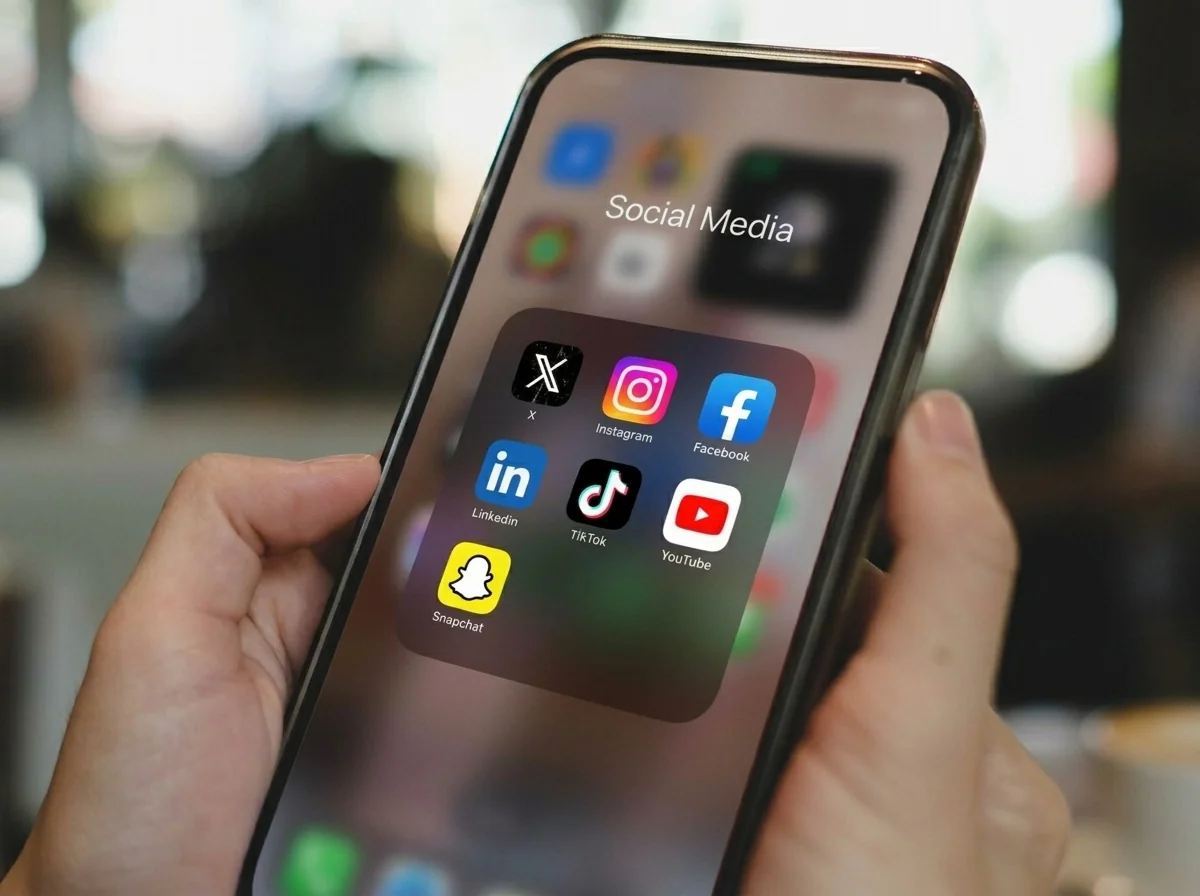



You unlock your phone to check the weather. A minute later, a social feed is open even though you never decided to visit it.
The habit has three parts: a cue, the tap, and the feed. Changing any one of them makes the sequence easier to notice.
Find the cue behind the tap
For one day, note what was happening just before each automatic opening. Common cues include waiting in line, avoiding the first step of a task, waking up, getting into bed, or seeing a notification.
You do not need a detailed journal. Write down the app, the time, and the situation. A repeated cue tells you where the rule belongs.
Remove the easiest entrances
Turn off nonessential notifications for the app and remove its icon from the first Home Screen. Log out in the browser if that becomes the replacement route.
These changes will not prevent access. They remove cues and add a few seconds, which may be enough to catch an opening that was never intentional.
Put friction before the feed
Choose one or two apps rather than blocking the entire phone. Leave Maps, Messages, music, calls, and anything else you use deliberately available.
- Add a short delay before the app opens.
- Limit how many times it can be opened in a day.
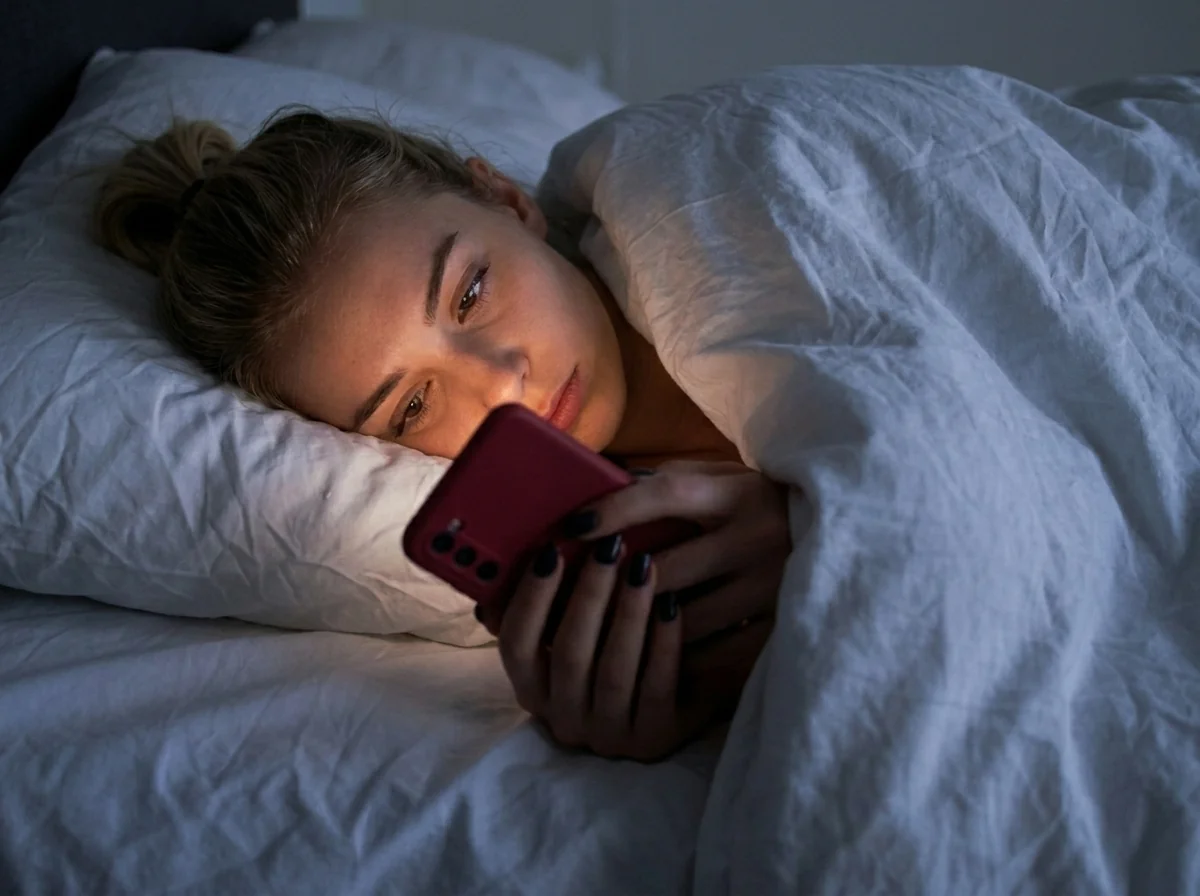
- Schedule a block around work, school, bedtime, or the morning.
- Require a small habit before access returns.
Use a replacement that fits the cue
A forty-minute routine will not replace a tap that happens while you wait for the bus. Match the alternative to the moment: read one saved article, reply to a message, walk for five minutes, or write the first line of the task you were avoiding.
Keep the replacement short enough to begin without negotiation. You can always continue after the first step.
Give intentional scrolling a stopping point
If you choose to open the app, decide the session length before the feed appears. A ten-minute session has an end; an open app limit that can be extended repeatedly does not.
Aura lets completed habits earn a set balance of minutes. A delay-based app or scheduled blocker can create the same stopping point in a different way. Use the mechanism you are least likely to dismiss.
Test one rule for seven days
Pick the app with the most unplanned openings and change one part of the sequence. Keep the rule stable for a week so you can tell whether it helps.
If you still enter the app automatically, increase the friction. If the rule blocks something you meant to do, narrow the schedule or remove that app. The useful measure is fewer accidental openings, not the strictest possible setup.
Need app-specific steps? Read our guides to block Instagram, TikTok, X, or Facebook on iPhone.